

If you’re hunting for the best landing page builder plugin for WordPress, you’re in the right place.
Over the last 15 years, we’ve tried and tested so many page builders and picked the ones that are easy to use.
Whether you’re just getting started or looking for advanced options, you’ll find something that fits your needs and budget. So, let’s get started!
Table of Contents
What is a WordPress Page Builder?
WordPress page builders are usually WordPress plugins that let you design your website without writing any code.
That means you can just drag, drop, and boom, your page is ready. Even if you’re a beginner with zero coding skills, you can create, edit, and customize any part or page of your website. That’s why page builders are so popular among millions of WordPress users.
Benefits of Using a Page Builder
Some of the benefits of landing page software WordPress include;
- You can create stunning pages quickly, without needing a developer or having coding knowledge.
- Most WP landing page builders come with ready-made templates, mobile-friendly designs, etc so you can create ANY type of website.
- They give you complete control over how things look from header to footer to about page.
- They can save you a ton of time and give your site a professional look.
- They can often be easily integrated with a wide range of tools, including email opt-in forms, pop-ups, landing page templates, split testing, traffic analytics, and more.
Let’s dive into the post to find out our handpicked list of 5 landing page builders.
Best WordPress Landing Page Plugins: Our Top Picks
Don’t want to read the full list? Take a look at the table below to find the best option for you.
| Landing Page Builder | Key Features | Free Version |
|---|---|---|
| Elementor | Drag & drop builder, 100+ templates, mobile-friendly | Available |
| Divi | Visual editor, A/B testing, 370 layout packs | No |
| Beaver Builder | Frontend editing, reusable templates, built-in CAPTCHA | Available |
| SeedProd | AI landing page generator, drag & drop, pre-built blocks | Available |
| Thrive Architect | Fast editing, 350+ landing page templates, sales funnel integrations | No |
1. Elementor
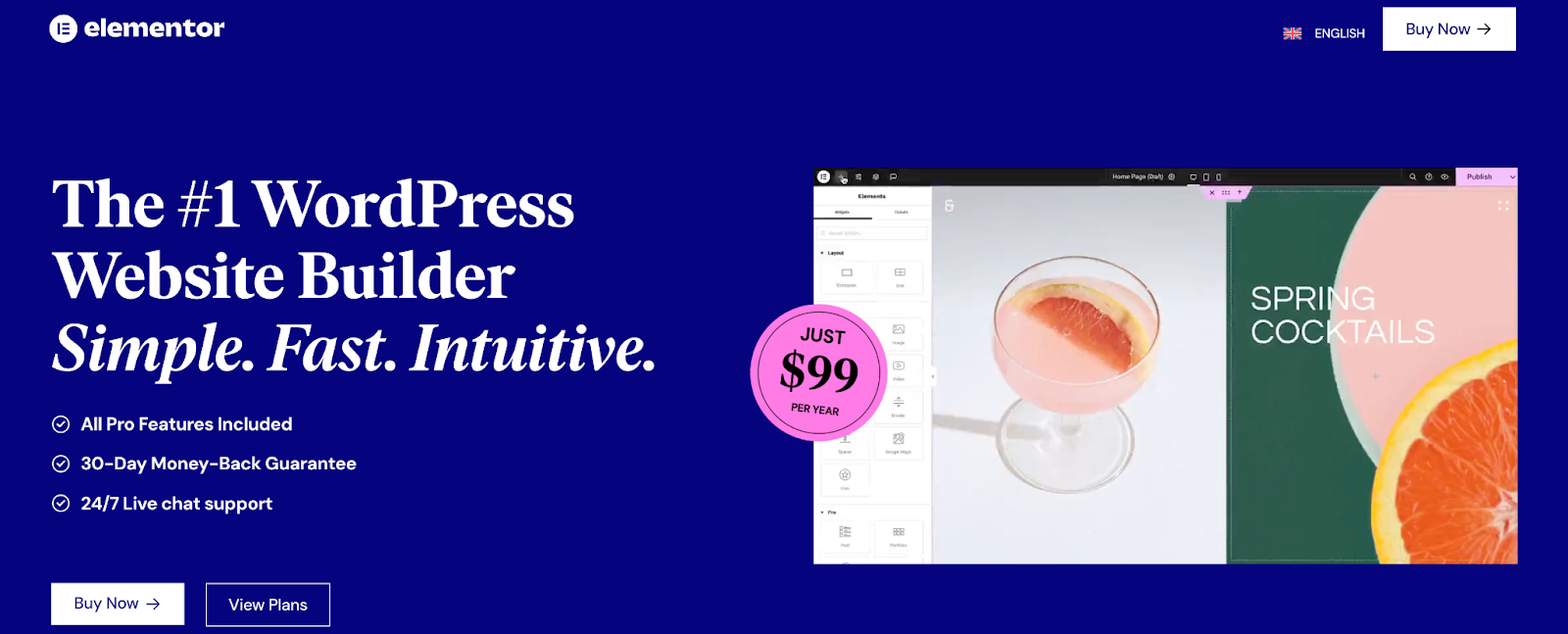
Did you know that over 18 million websites use Elementor to build appealing pages without coding skills? Elementor is a powerful drag-and-drop builder for WordPress that’s beginner-friendly. It works flawlessly with almost all WordPress themes.
The primary reason we prefer using Elementor is that it provides a powerful “Theme Builder”.
Using it, you can design your entire website, starting from the header and footer to blog posts, sidebar, and more. It gives you complete control over how every part of your site looks. The best part is that you can see all the changes live as you make them.
| Pros | Cons |
| Access to hundreds of widgets to create and customize anything. | Elementor offers a free version, but it is really limited and most useful features need Pro. |
| Drag-and-drop editor to edit every part of your website. | Compatibility issues if you switch to another builder or theme. |
| Popup Builder to create popups. | |
| Built-in tools to create landing pages, email opt-in forms, motion effects, etc. | |
| Offers a “Theme Builder” that lets you design custom headers, footers, single pages, single posts, etc | |
| Hundreds of ready-made designs to use, which are responsive | |
| 24/7 Live chat support |
If you want to speed up your WP site, try using these caching plugins for WordPress.
2. Divi
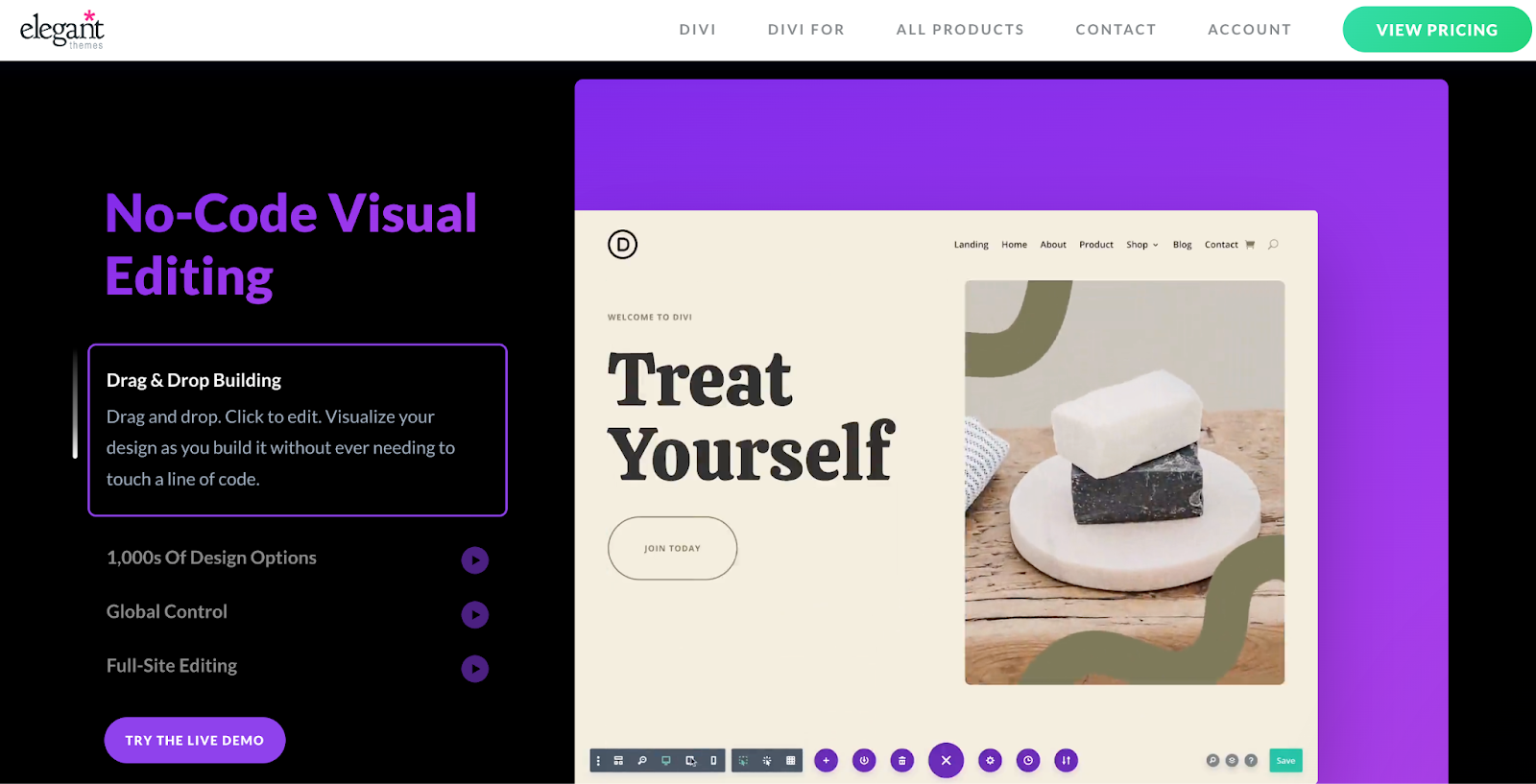
Divi is the most powerful page builder plugin for WordPress sites and it offers thousands of beautiful layouts.
Divi gives you full control to design every part of your website, starting from the header and footer to blog posts and WooCommerce pages. You can even create custom 404 pages.
The best part? You get 24/7 chat and email support, so help is always available whenever you need it.
| Pros | Cons |
| Use it on unlimited websites you own. | No free version available |
| 2600+ ready-made templates | The layout may break if you stop using Divi |
| Drag and drop editor with live preview | |
| Animated scroll effects | |
| Offers a lifetime plan so you pay once and use it forever. | |
| 24/7 Chat And Email Support |
Pricing: Divi is available in two plans.
1. Divi: Divi costs $6.67/month, billed annually at $80. Lifetime plan costs $224 (one-time payment)
- Best for WordPress users & small teams
- Includes Divi Theme & Builder
- 300+ website packs
- Unlimited websites
- Basic 24/7 support
- Includes extra themes like Bloom & Monarch
2. Divi Pro: Divi Pro costs $20.83/month, billed annually at $250.
- Best for web professionals and agencies
- Includes Divi Theme & Builder
- 300+ website packs
- Unlimited websites
- Divi AI – AI tools for text, images & code
- Divi Cloud – Unlimited storage
- Divi VIP – 24/7 fast support + 10% off in marketplace
3. Beaver Builder

Beaver Builder lets you create WordPress pages with simple drag-and-drop tools.
You can start with a ready-made template or build your own landing page design from scratch. Just click, edit, and publish. It also offers lots of third-party integrations to connect your site with tools like Mailchimp, WooCommerce, and more.
| Pros | Cons |
| Quickly design beautiful websites with drag-and-drop | Doesn’t offer features like A/B testing |
| Build all kinds of sites like blogs, business pages, or online stores | The layouts are somewhat basic compared to others. |
| Use it on as many websites as you want | |
| Great for developers who want to add custom code or features | |
| Works smoothly with all WordPress themes and plugins | |
| Your website will look great on all screen sizes, including mobile | |
| Supports WooCommerce |
Fun fact: WordPress offers approximately 13,000 free themes on its official site. Learn more in our WordPress Statistics post.
4. SeedProd
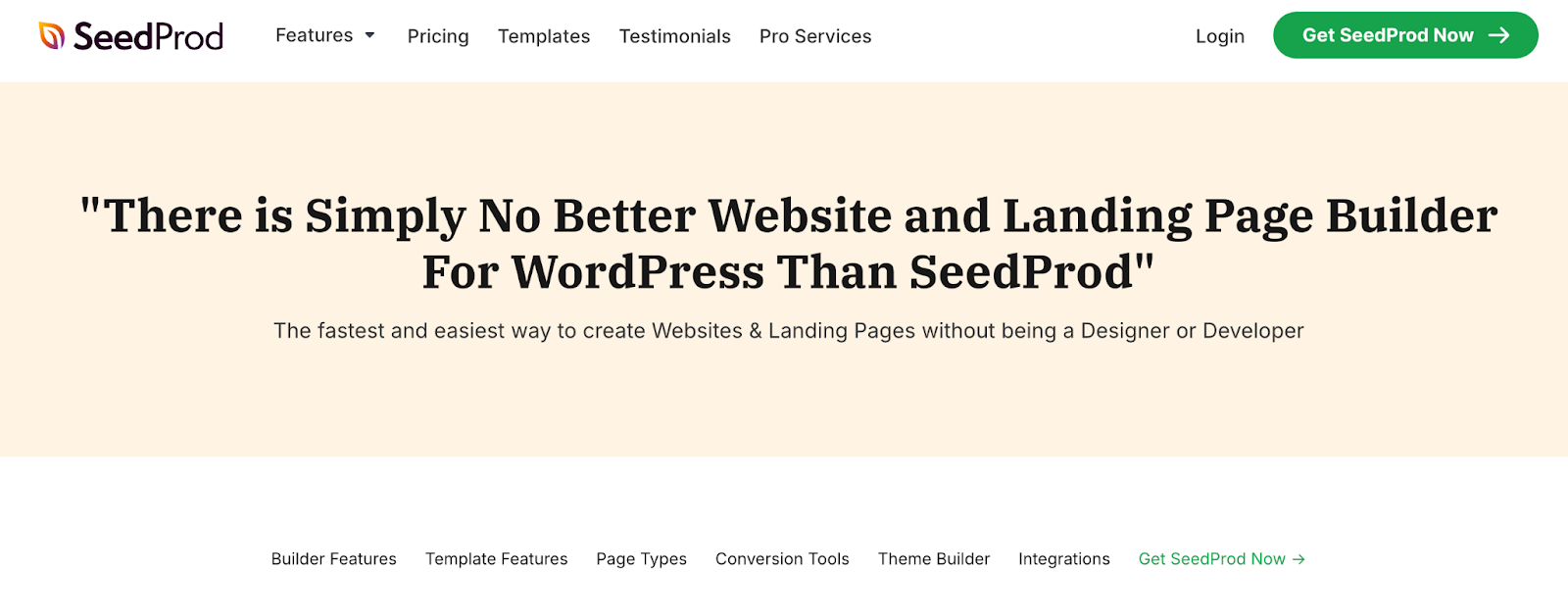
SeedProd is one of the most popular drag-and-drop builders for creating landing pages, used by over 1 million people. Using its free version, you can build up to three websites for free!
It uses AI to build your entire WordPress site in under a minute and offers a ton of templates to create landing pages, including sales, opt-in, coming soon, webinar, etc.
| Pros | Cons |
| Drag & drop page builder with 300+ responsive landing page templates | SeedProd’s free plan comes with basic templates and blocks. |
| Subscriber management | |
| Draft mode for private editing | |
| Google Fonts combos & easy font pairing | |
| 20+ preset color palettes and custom options | |
| The ability to create unlimited landing pages | |
| Offers dozens of blocks and templates to customize your landing pages | |
| Full site theme builder (headers, footers, archives, posts) | |
| Built-in coming soon & maintenance modes | |
| WooCommerce blocks for checkout, cart, and products |
For effortless optimization, use these image optimization plugins (most of them are free).
5. Thrive Architect
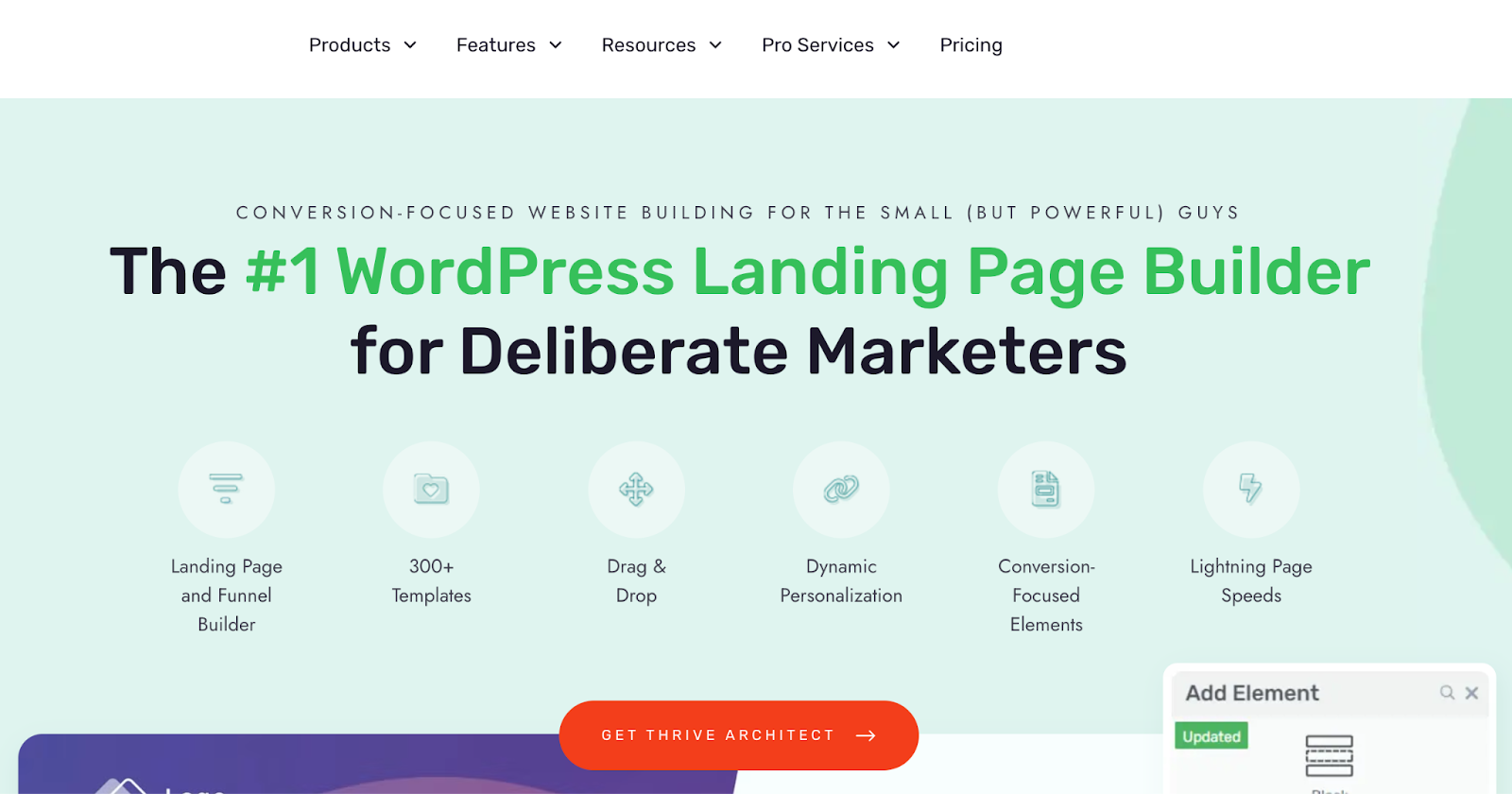
Thrive Architect is a powerful landing page and funnel builder for WordPress, exclusively made for marketers. With 300+ templates, drag-and-drop design, dynamic content, and conversion-focused features, it helps you build fast, high-converting pages with ease.
| Pros | Cons |
| Build landing pages and funnels easily | There’s no free version and it only works with WordPress |
| 300+ ready-made templates | |
| Drag and drop editor | |
| Add dynamic, personalized content | |
| Tools built for better conversions and results | |
| Built-in split testing to test every element of your page | |
| Works with ANY WordPress theme |
Pricing: Thrive Architect has only one plan called “Thrive Suite,” and it has two offerings;
- Quarterly plan costs $149 for 3 months.
- Yearly plan costs $299/year.
Thrive Suite Includes:
- All 8 Thrive Themes WordPress Plugins, including Thrive Architect, Thrive Quiz Builder, Thrive Leads, Thrive Apprentice, Thrive Ultimatum, Thrive Ovation, Thrive Optimize, Thrive Comments
- Thrive Theme Builder
- 24/5 Support
- Access to Thrive University
- Install and use on up to 5 websites
- 30-Day Money Back Guarantee
Did you know? Cyberattacks happen 11 times a minute. Check out the best WordPress security plugins to keep your site and SEO safe.
Bonus Read: A high-converting landing page also needs to rank. Don’t miss our guide on the top SEO plugins for WordPress to help drive traffic.
Final thoughts on essentail WP landing page plugins
Page builders are the easiest way to design stunning landing pages in WordPress without coding. Whether you’re a beginner or pro, you can use them to customize everything the way you want.
What do you think about the WP landing page plugin options listed above? Did we miss any of your favorite plugins? Let us know your thoughts in the comments.